Open source / Logo 3D
Your logo in 3D
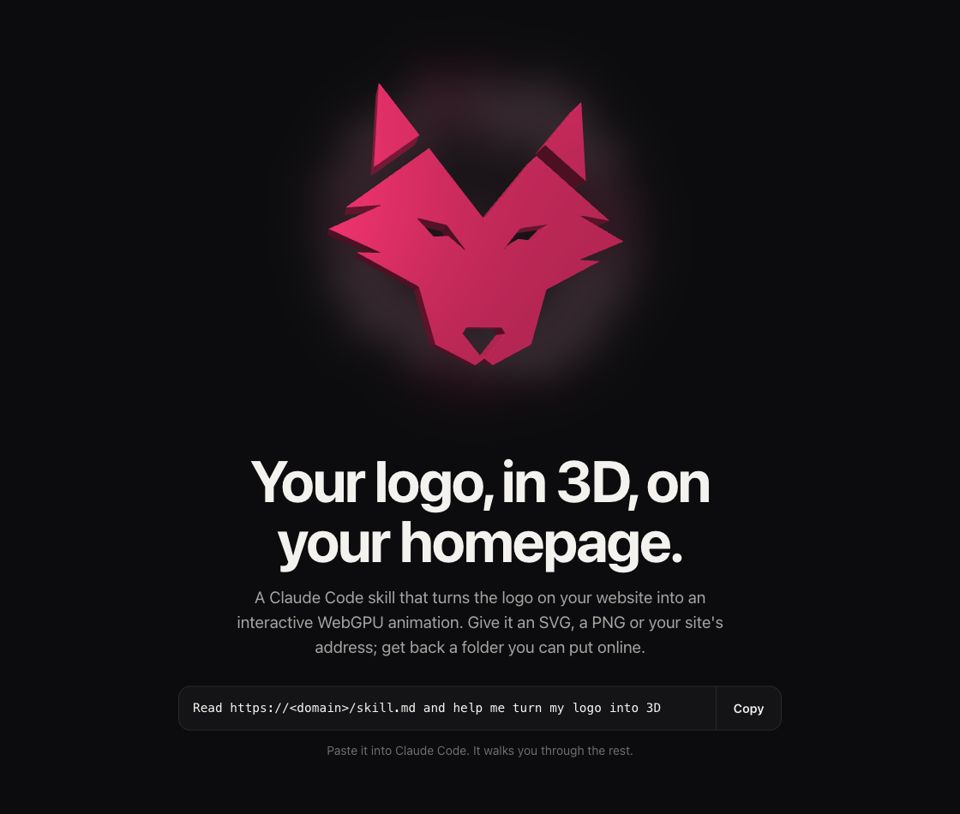
A Claude Code skill that takes your site’s logo and turns it into an interactive 3D hero: a real mesh extruded in Blender, checked pixel by pixel against the original.
Free, MIT licensed. Requires macOS and Claude Code.
What it does
From a flat logo to a real 3D mesh
Reads SVG, PNG or your site
Feed it the logo file, or just your site’s address: the skill finds the flat shapes and shows them to you before going on.
Extrudes in Blender
The logo becomes a real 3D mesh, not a fake effect: built in Blender, with material, light and depth.
Fidelity check
Seen head-on, the 3D logo has to cover the same pixels as the original within 1%, without being mirrored.
Look interview
Up to five questions on background, position, material and motion: they become your logo’s config file.
Lightweight WebGPU engine
The live logo runs on an engine of about 20 KB compressed: it turns toward the pointer with a soft glow behind it.
Static fallback image
A browser or device without WebGPU, or "reduce motion" turned on: the visitor sees a static image of the same logo, never an empty box.
Requirements
What you need on your Mac
Don’t have them all yet? No need to install them first: the skill checks your Mac in the first phase and walks you through every install.
macOS
The skill installs the tools with Homebrew.
Claude Code
The environment the whole pipeline runs in, from the interview to delivery.
Blender 4.2 or later
Builds the mesh and the static fallback image.
Node 20 or later
Compiles the engine and packages the final result.
Python 3.9 to 3.13
Runs the pipeline. macOS already ships 3.9 with the developer tools.
Chrome or Edge, Inkscape optional
Chrome or Edge for the live preview; Inkscape only if the logo has live text or outline-only strokes.
How to install
Four lines in the terminal
-
Clone and run
In the terminal, on your Mac
Clone the repo, go into the folder and run the setup: it creates the Python environment in
.venv/, installs the Node packages and compiles the engine (a minute or two). Then open Claude Code.git clone https://github.com/marcogalluccio/logo-3d.git cd logo-3d make setup claudeIn Claude Code, say:
turn my logo into 3DClaude answers in your language and guides you from there.
How it goes
The six phases
1. Environment
Checks Blender, Node, Python and the browser (Chrome or Edge), and helps you install whatever is missing.
2. Input
Reads your SVG, PNG or site, shows you the flat shapes it found and waits for your go-ahead.
3. Interview
Up to five questions on background, position, material, motion and interaction with the page, which become
logo3d.config.json.4. Build
Extrudes the logo in Blender, renders the static image and runs the fidelity check against the original.
5. Preview
Opens the live result in Chrome on a local server: ask for changes in your own words.
6. Delivery
Packages the final folder, checks that no paths from your Mac are left inside and explains how to put it online.
Want this for your team?
I teach teams to work with AI agents, in-company or in class in Rome. We start from tools like this one.